发布于 2024-12-13
摘要
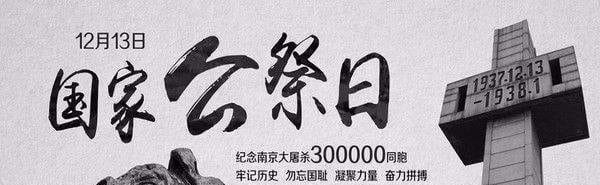
八十七载,南京之痛,未敢忘 2024年12月13日 是第11个南京大屠杀死难者国家公祭日 1937年12月13日 侵华日军攻陷南京 …


八十七载,南京之痛,未敢忘 2024年12月13日 是第11个南京大屠杀死难者国家公祭日 1937年12月13日 侵华日军攻陷南京 …

联系站长 站长QQ:2141985868 站长邮箱:[email protected]